
Set up technical basics
Here you will find all the information you need on how to lay the technical foundations so that you can take advantage of the full range of e-learning offerings and digital resources at HNU.

University email
- You will receive all important information via your university mail account. You received the access data when you enrolled.
- If you have problems with your university mail account, please contact studium[at]hnu[dot]de.
- You can check your e-mails with any web browser at https://outlook.hnu.de.
- For retrieval via e-mail apps and e-mail clients, you will find corresponding instructions on the intranet.
Further information

Print & Copy
- Printers and copiers for students are available in the copying and club rooms.
- The print account is topped up with the Campus Card via the so-called Umbucher. These can be found before studies and exams (black building, blue staircase on the 1st floor) and in the copier room (white building, after the lift on the ground floor).
- Every user receives a free quota worth €2.00 at the beginning of the semester.
Further information

Eduroam/WLAN
- Eduroam is the fast Wi-Fi network for all HNU members
- Once you've configured Eduroam, you'll have Wi-Fi access anywhere in the world where an institution participates in Eduroam
Further information
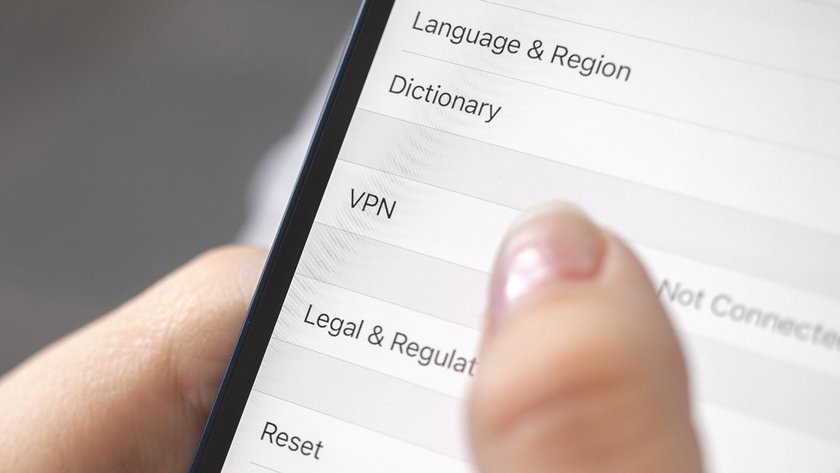
Activate VPN connection
- With the help of a VPN connection, you can access services from anywhere that are otherwise only accessible from the university network. Here you will find instructions on how to set up such a connection.
Further information

Mount network drives
All students have access to various network drives. The data is stored centrally on servers and can be accessed from any PC at HNU, but also from outside via VPN connection.
- Home drive (H:): Personal home directory with 2GB memory
- Info drive (I:): Lecturers' information, scripts, etc.
- Scratch drive (W:): Temporary drive for short-term file exchange (deleted every Sunday).
Further information

Activate access to the library
- Once activated, students can enter the library’s study areas and, for example, reserve group rooms.
- After activation, you can also borrow books and order interlibrary loan materials.
- To activate your access, please fill out the following web form and present your Campus Card once at the library service desk.


