
Cables, adapters, powerbanks
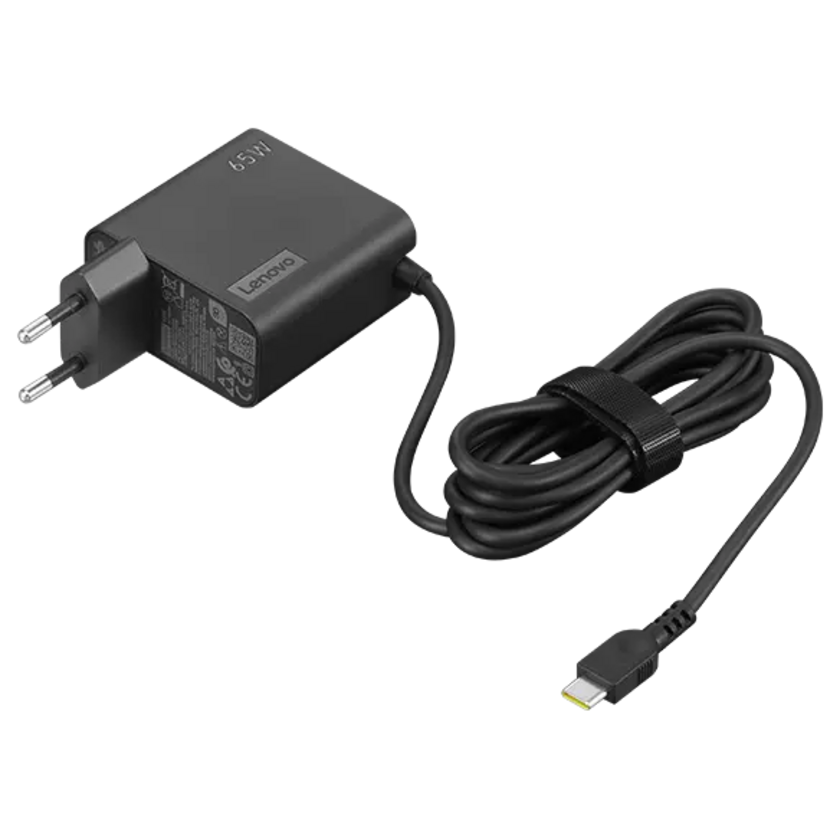
USB-C Wall Adapter
Lenovo 65W
With PD 3.0 protocol, it supports fast charging of USB-C devices up to 65W. With a 1.7 m cable and adjustable output voltages (5V/9V/15V/20V), you’ll always have power for USB-C laptops and mobile devices when you need it.
- description (opens new window)
- check availability (opens new window)
- loan period: current day and following workday
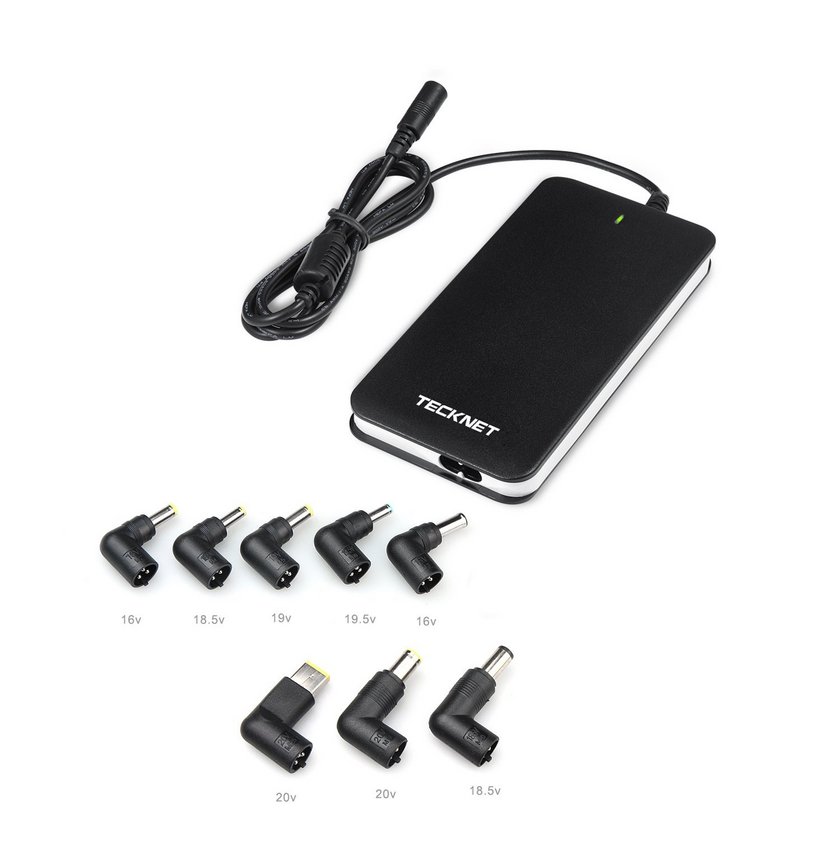
Universal laptop adapter
TeckNet® U301
If you forgot your laptop power supply at home, you can borrow this universal adapter. It has 8 different connector tips and it is compatible with many laptops. It also chooses the voltage automatically. No adapter is included for USB-C.
- description (opens new window)
- check availability (opens new window)
- loan period: current day and following workday
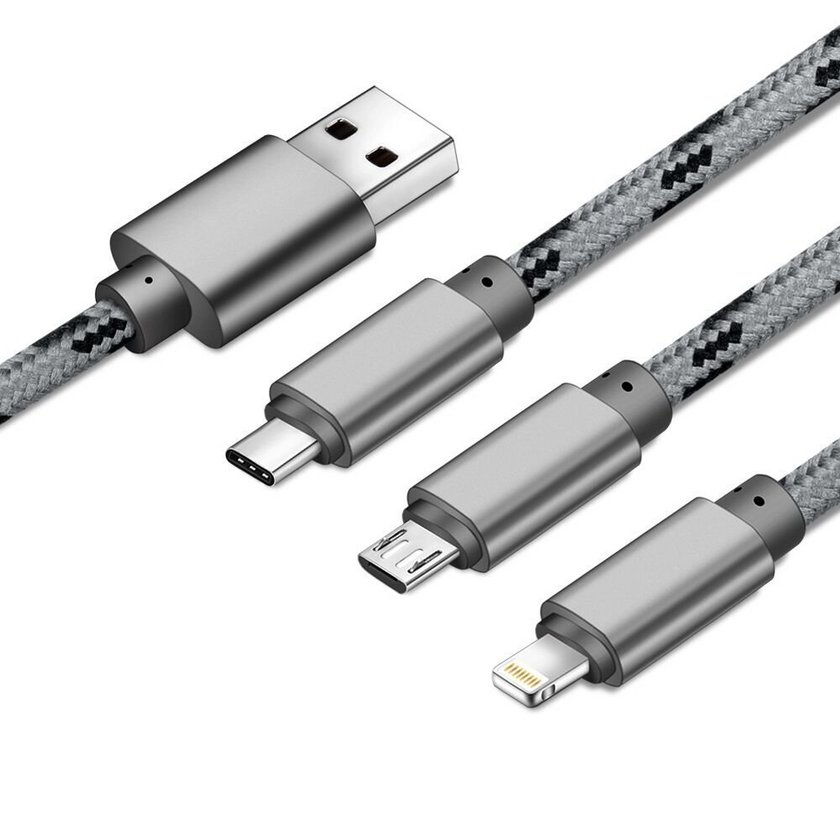
Multi-charging cable
This 3-in-1 charging cable has a USB-A port on one end and the three most common ports for smartphones on the other end: USB-C, micro-USB, Lightning.
- check availability (opens new window)
- loan period: current day and following workday
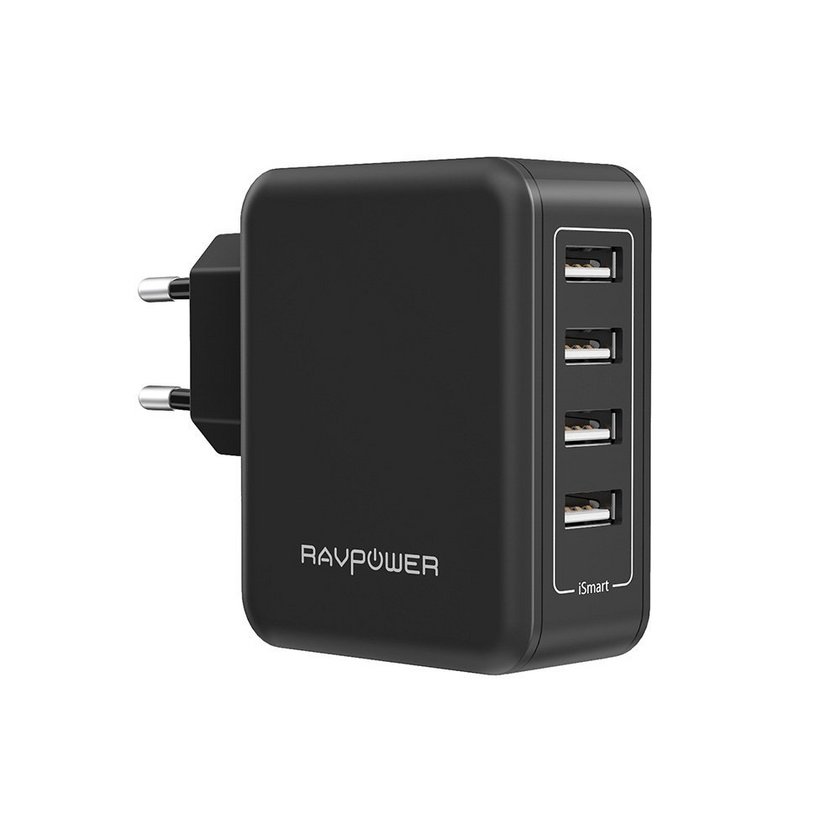
Charger dock
RAVPower AC 40 W 4-Port
Provides you with 4 USB ports to load your devices and adjusts its output to the respective device. This means your device will be charged quickly and safely.
- check availability (opens new window)
- loan period: current day and following workday
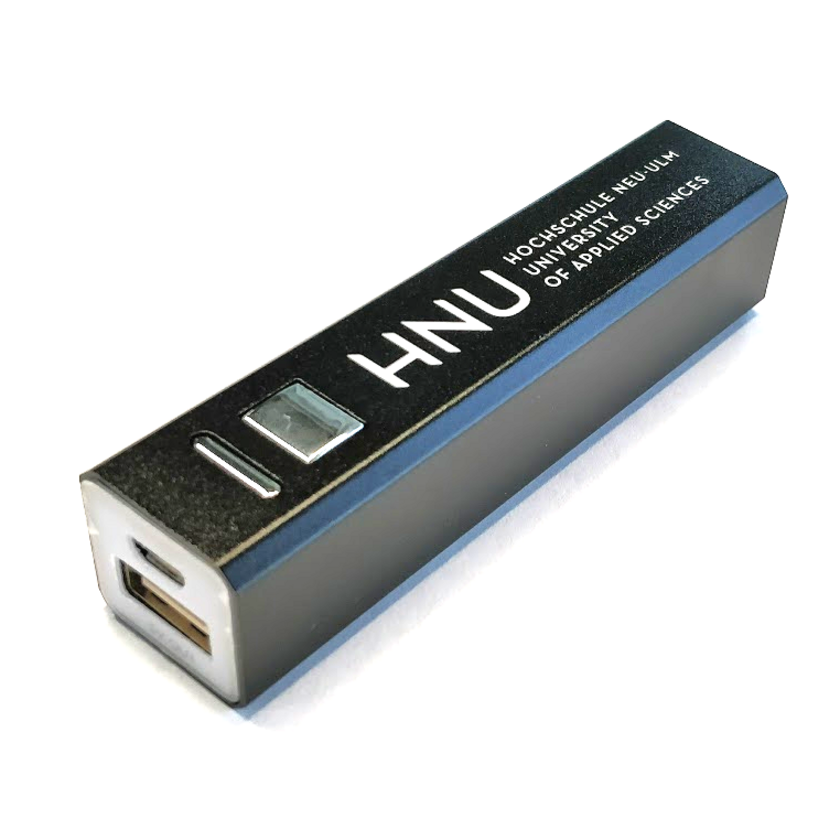
Powerbank
HNU-Merchandise-Artikel
If there is no socket near you, just borrow an HNU powerbank. The device has an USB port and provides you with 2600 mAh of power.
- check availability (opens new window)
- loan period: current day and following workday
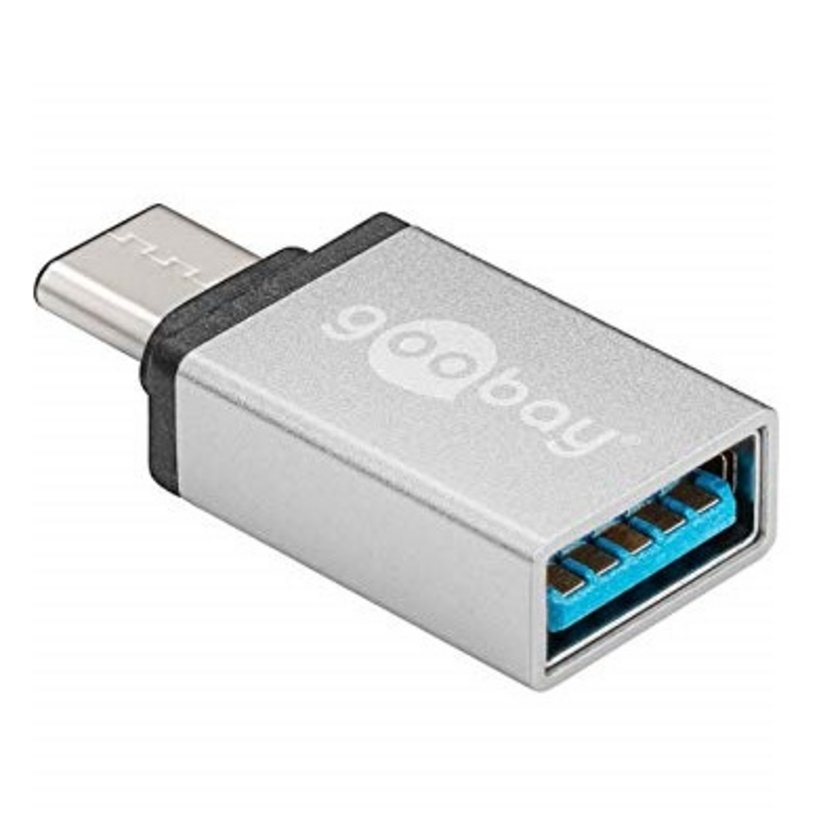
USB-C to USB-A adapter
Goobay 56620
If you want to connect a USB stick on your device, for example and it only has a USB-C instead of USB-A, you can use this adapter.
- check availability (opens new window)
- loan period: current day and following workday
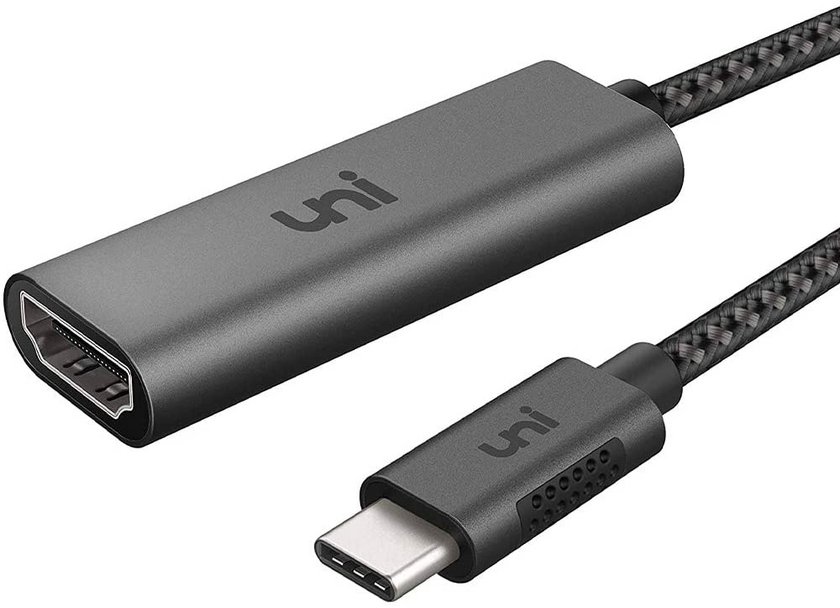
USB-C to HDMI adapter
uniAccessories
If you want to connect your laptop to a beamer with an HDMI port and only have USB-C instead of an HDMI output, you can borrow an adapter.
- check availability (opens new window)
- loan period: current day and following workday
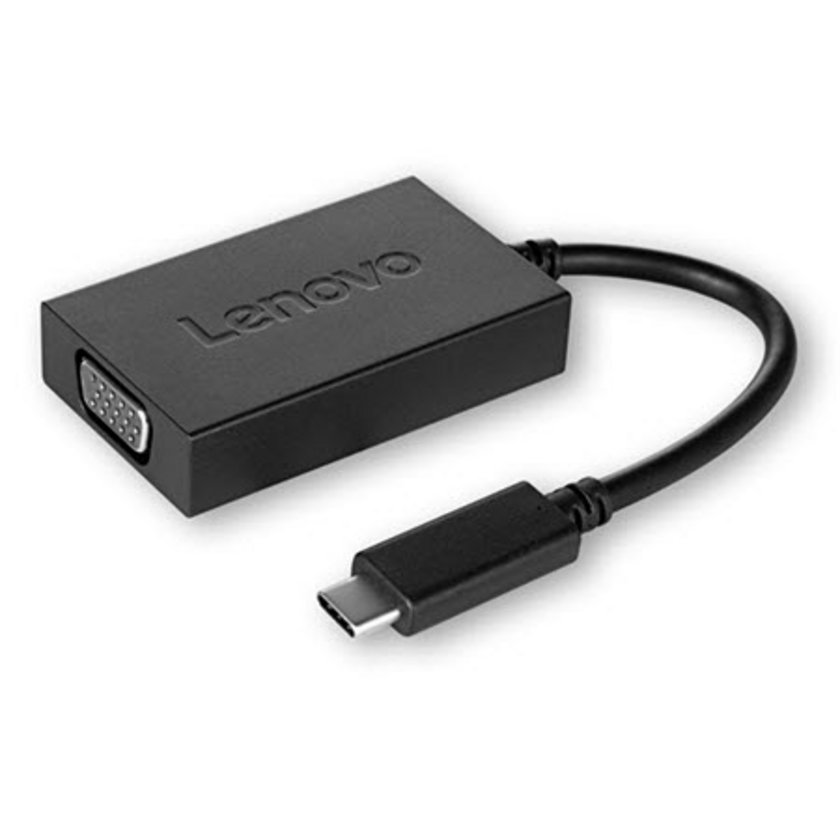
USB-C to VGA adapter
Lenovo 4X90K86568
If you want to connect your device to a projector or monitor with a VGA input and only have USB-C yourself, you can borrow an adapter. (Set the display resolution of your laptop to 1280x1024 if the beamer does not display your screen - instructions online for Windows (opens new window) (opens in a new window)and for Mac OS (opens new window) (opens in a new window))
- check availability (opens new window)
- loan period: current day and following workday
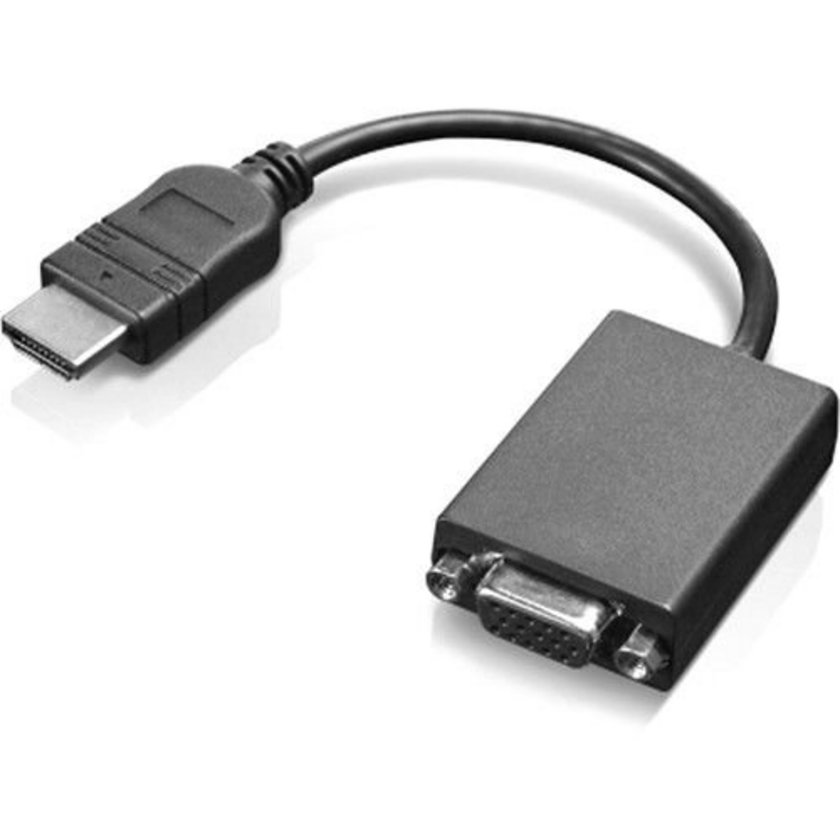
HDMI to VGA adapter
Lenovo 0B47069
If you want to connect your device to a projector or monitor with a VGA input and only have HDMI instead of a VGA output, you can borrow an adapter. (Set the display resolution of your laptop to 1280x1024 if the beamer does not display your screen - instructions online for Windows (opens new window) (opens in a new window)and for Mac OS (opens new window) (opens in a new window))
- check availability (opens new window)
- loan period: current day and following workday
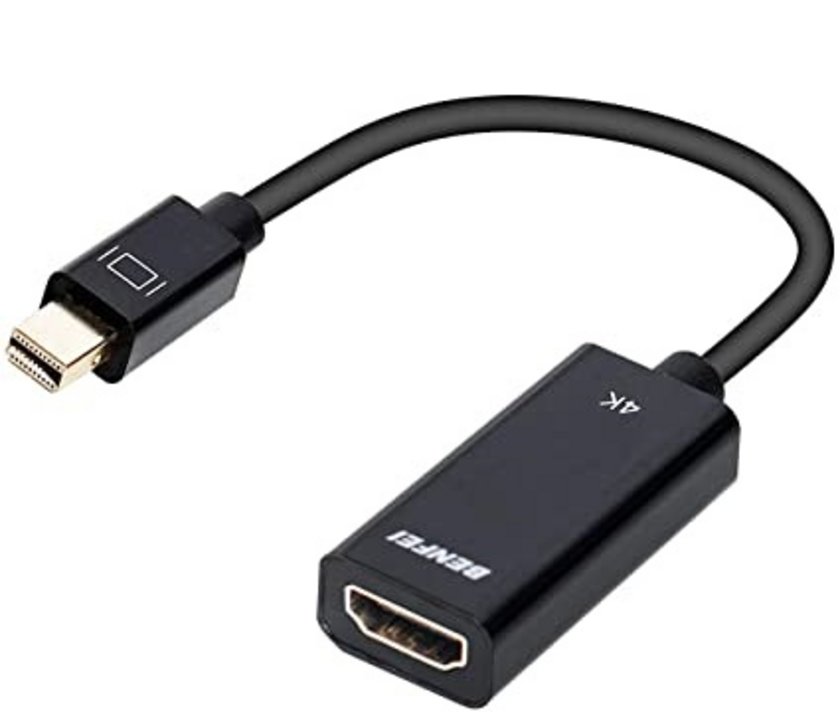
mDP to HDMI adapter
Benfei
If you want to connect your laptop to a beamer with an HDMI connection and instead of an HDMI output you only have Mini-DisplayPort (mDP), you can borrow an adapter.
- check availability (opens new window)
- loan period: current day and following workday
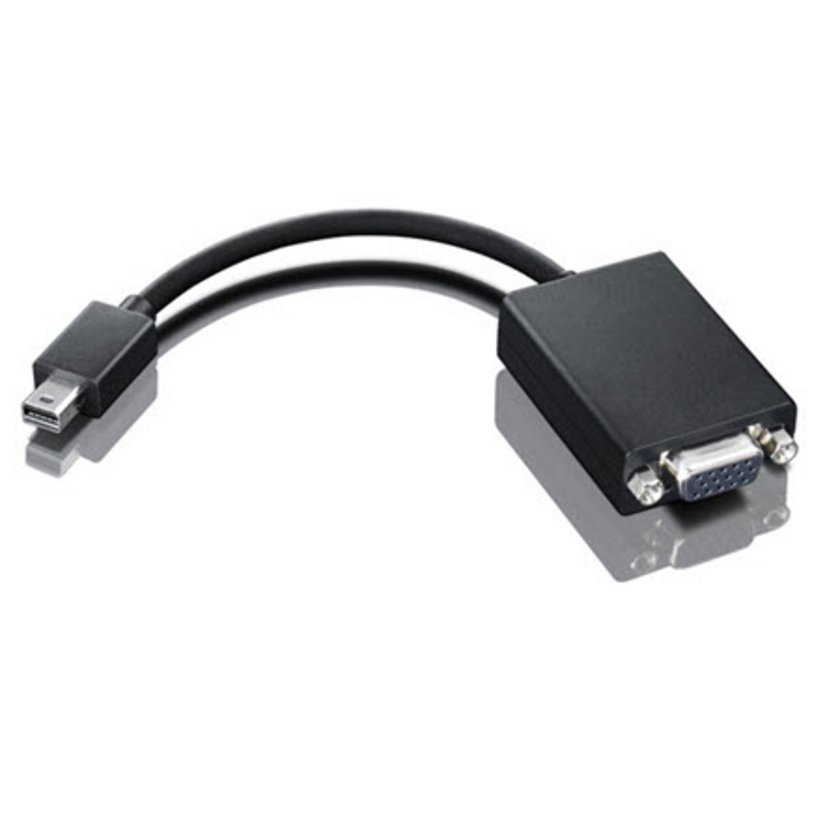
mDP to VGA adapter
Lenovo 0A36536
If you want to connect your laptop to a beamer in the main building of HNU, you will need a VGA port. If your laptop only has Mini-DisplayPort (mDP), you can borrow this adapter. (Set the display resolution of your laptop to 1280x1024 if the beamer does not display your screen - instructions online for Windows (opens new window) (opens in a new window)and for Mac OS (opens new window) (opens in a new window))
- check availability (opens new window)
- loan period: current day and following workday
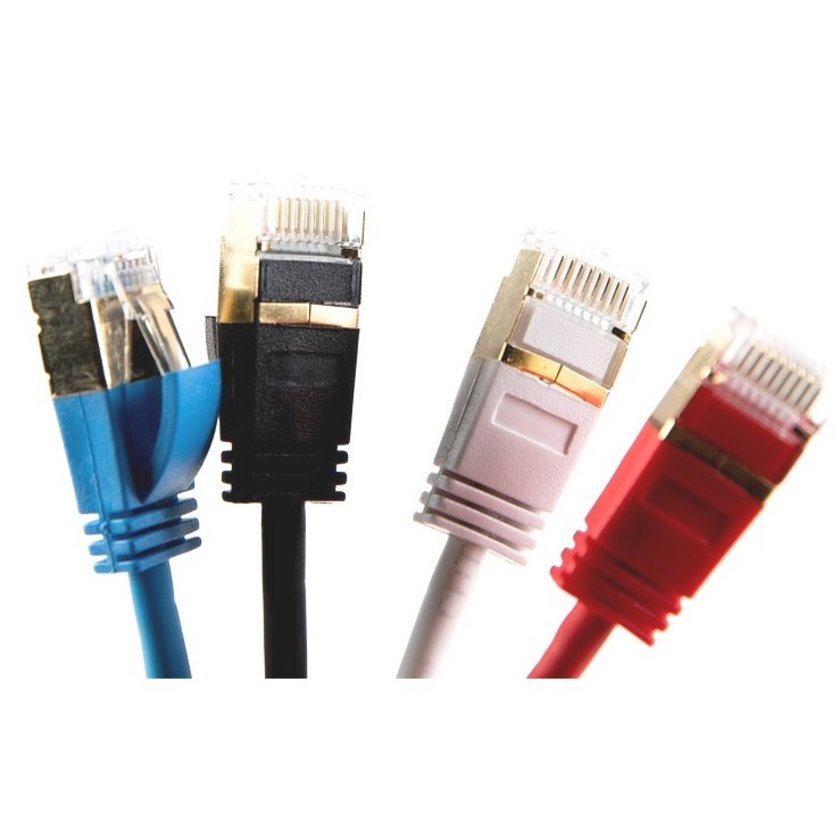
LAN cable
If WLAN is temporarily unavailable, you can get a LAN cable, this will let you access @BayernWLAN. Please note: Not all network sockets in the reading room are patched, only the ones marked with a green dot. (If your device does not offer a LAN port, use the adapters below.
- various cable lengths
- check availability (opens new window)
- loan period: 1 week
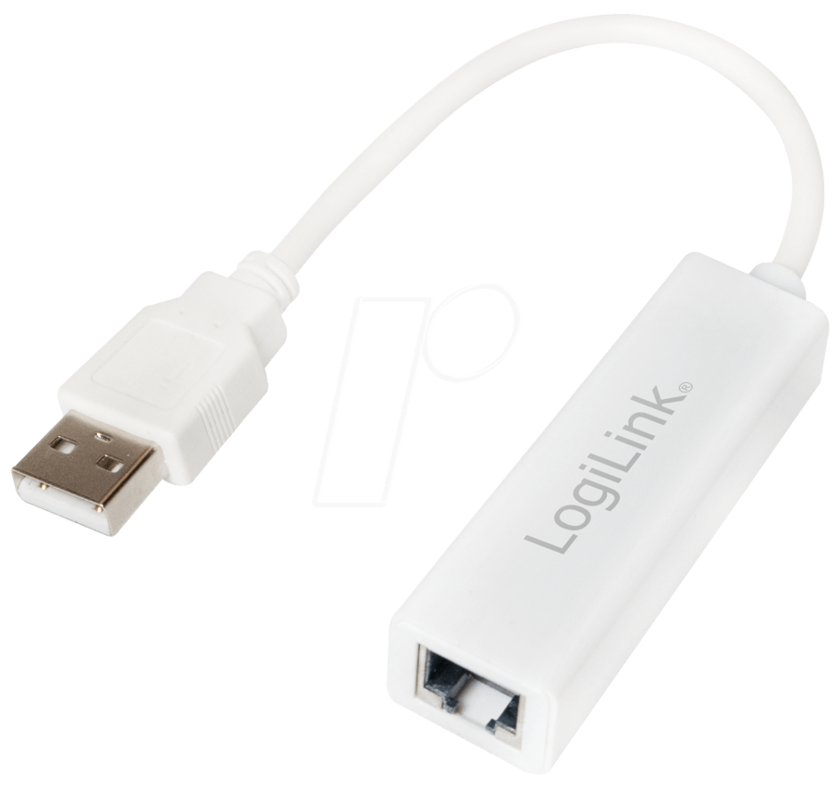
USB-A to LAN adapter
Logilink UA0144
If you want to connect a LAN cable to your laptop and your laptop does not offer a RJ45 port, you can borrow this adapter.
- check availability (opens new window)
- loan period: current day and following workday


